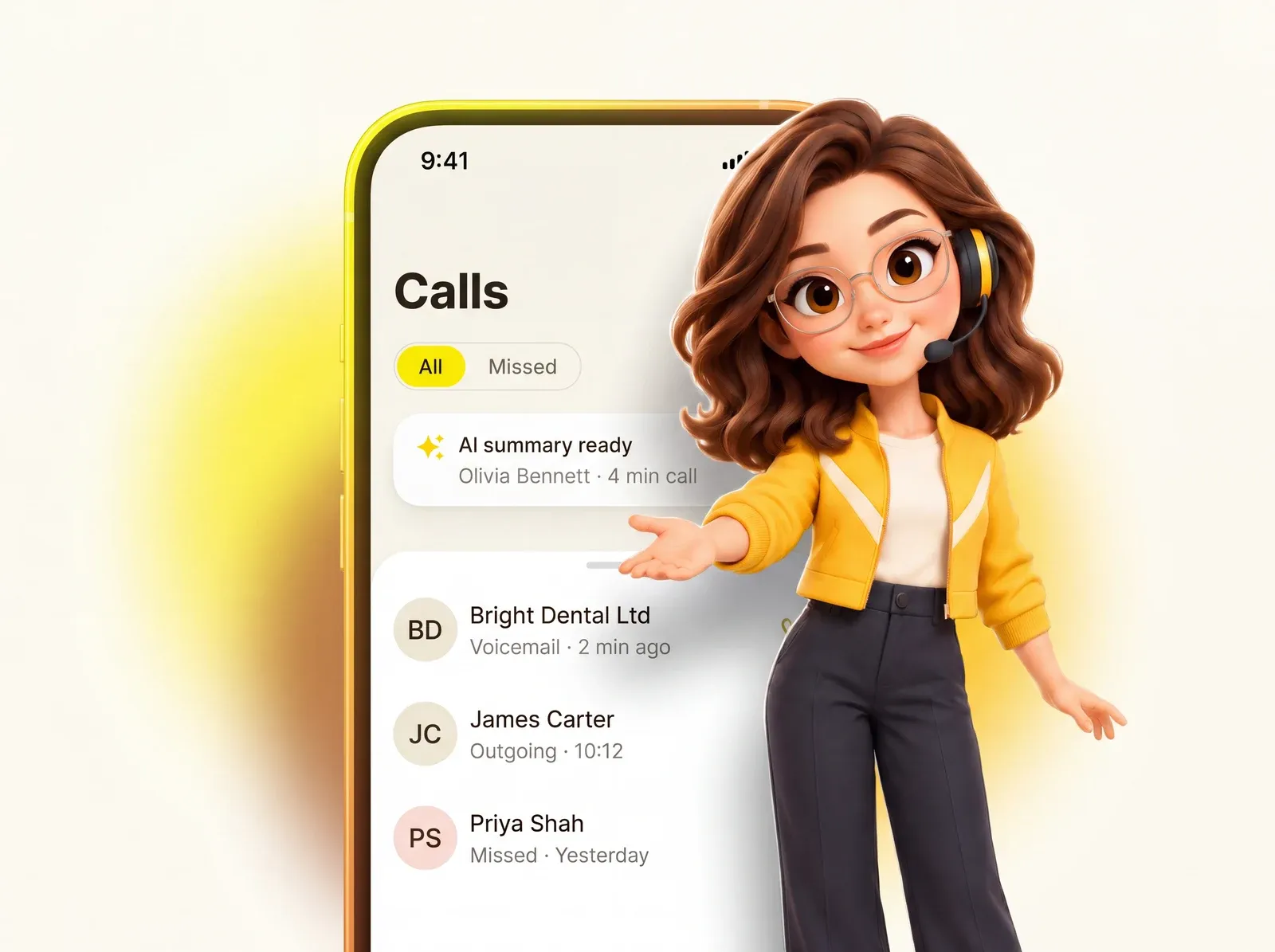
Support
Need a hand with Vibe Caller? Get in touch and the team will help.
Frequently asked questions
What is Vibe Caller?
Vibe Caller is an AI phone system for businesses. It puts your business numbers, calls, voicemail, team chat, video meetings and customer messages in one app on the web and your phone. On the Plus and Enterprise plans, Vibi, your AI assistant, can answer calls for you, book appointments and summarise every call.
How do I get started?
Choose a plan on our pricing page and select Try free, or go straight to signup.vibecaller.app. Once your account is set up, invite your team and log in at connect.vibecaller.app or in the mobile app. For Enterprise, contact sales and our team will set things up with you.
Which plan is right for my team?
Basic is a complete business phone system with calls, voicemail, call recording and team chat. Plus adds Vibi, video meetings with guests, call analytics and Google Calendar. Enterprise is for larger teams and call centres, with custom minutes, onboarding by our team, a dedicated account manager, and add-ons such as the Outbound Auto Dialler, the shared inbox and CRM integrations. Prices are per user, per month, and annual billing costs less than monthly.
What are call minutes and AI minutes?
Call minutes are the minutes your team spends on calls. AI minutes are the minutes Vibi spends on calls for you, such as when it answers in AI Mode. Each plan includes the minutes shown on the pricing page. If you need more, talk to sales.
What does Vibi do?
Switch on AI Mode and Vibi answers your calls, day and night. It can put callers through to the right person, take a message or book them into your calendar. After each call, Vibi posts a summary and a full transcript in your chat and flags anything urgent. It can also draft replies to customer messages for you to send. Vibi is available on Plus and Enterprise.
Can I keep my existing business number?
Email support@vibecaller.app with the number and the name of your current provider. We will check whether it can be moved to Vibe Caller and talk you through the steps. Don't cancel your old service until the move is complete, or you could lose the number.
Why do I need to verify my business before getting numbers?
Before we provide phone numbers to a business for the first time, we check that the business is genuine and who is placing the order. This is part of the rules on phone numbers and helps stop fraud. You complete the check online with our verification partner, Didit, from the Admin Portal. It takes a few minutes, and you will need your business documents and a photo ID.
Does it work on my mobile?
Yes. Every plan includes the web app and the mobile app. Calls to your business number ring on your phone, and you can choose which of your numbers customers see when you call out. On iPhone, business calls ring like any other call, so you can answer straight from the lock screen.
Can I record calls?
Yes. Call recording is included on every plan, and recordings appear in your call history. Enterprise adds call recording controls for the whole organisation. If you record calls, you need to tell the people on the call.
Can I call 999 from Vibe Caller?
Yes, you can call 999 and 112 in the UK. Because Vibe Caller runs over the internet, emergency calls won't work if your internet connection or power fails, and the emergency services will see the address registered for your number rather than where you are. Keep your address up to date, and keep another way to call 999, such as a mobile phone. See section 6 of our Terms of Service.
Which tools does Vibe Caller connect to?
Plus connects Google Calendar and Microsoft Outlook calendars, so Vibi can book appointments straight into your diary. On Enterprise, the integrations add-on connects CRMs and helpdesks such as HubSpot, Salesforce, Zoho CRM and Zendesk, plus custom integrations, so calls and notes log themselves. The shared inbox add-on brings WhatsApp, SMS, Messenger and Instagram into one place.
How do I add users or change my plan?
Email support@vibecaller.app from your account and tell us what you would like to change. If you add users or move to a higher plan partway through a billing period, the difference may be charged pro rata. On annual billing, you can reduce users or move to a lower plan when your plan renews.
How do I cancel?
Contact support with your account details. Monthly plans need 30 days' notice and end at the end of a billing month. Annual plans run for 12 months and renew unless you give notice at least 30 days before the renewal date. If you want to keep your numbers, arrange to move them to your new provider before your account closes. The full terms are in our Terms of Service.
What is the Outbound Auto Dialler?
The Outbound Auto Dialler is an add-on to the Enterprise plan. AI agents work through your call lists, qualify every lead and book the next step, hundreds of calls at a time. We agree the script and the calling rules with you before you go live. See the Voice AI page for details.
Can you build a custom voice AI agent for my business?
Yes. Our team can build a voice AI agent around your business: we learn your services and the questions customers ask, connect it to your CRM and calendar, and test it with your team before it goes live. Most businesses are taking real calls within three weeks. Book a demo to talk it through.
I can't log in. What should I do?
Check you are using connect.vibecaller.app, or the Vibe Caller mobile app, and try resetting your password. If your organisation manages your account, your administrator can also help. If you still can't get in, email support@vibecaller.app and include the email address on your account.
Are my calls and messages secure?
Data is encrypted in transit, and stored call recordings, voicemail and transcripts are encrypted at rest. We don't use your calls, messages or transcripts to train AI models. How we handle personal data is described in our Privacy Policy, and you can contact privacy@criollocloud.com with any data protection question.
Who do I contact about billing or a complaint?
Email support@vibecaller.app and we will route it to the right person. For data protection requests, use privacy@criollocloud.com.
Legal
Read our Privacy Policy and Terms of Service.